Pairs like a real keyboard
The computer sees a Bluetooth keyboard and mouse. No program to run, no driver, no account, and nothing to keep updated on the computer.
 thock
Free and open source, for Android
Thock turns a phone or tablet into a full-screen 75% keyboard and trackpad. It pairs over Bluetooth like a real one, so there is nothing to install on the computer.
This is the real keyboard, not a picture. Press a key, with your sound on.
The computer sees a Bluetooth keyboard and mouse. No program to run, no driver, no account, and nothing to keep updated on the computer.
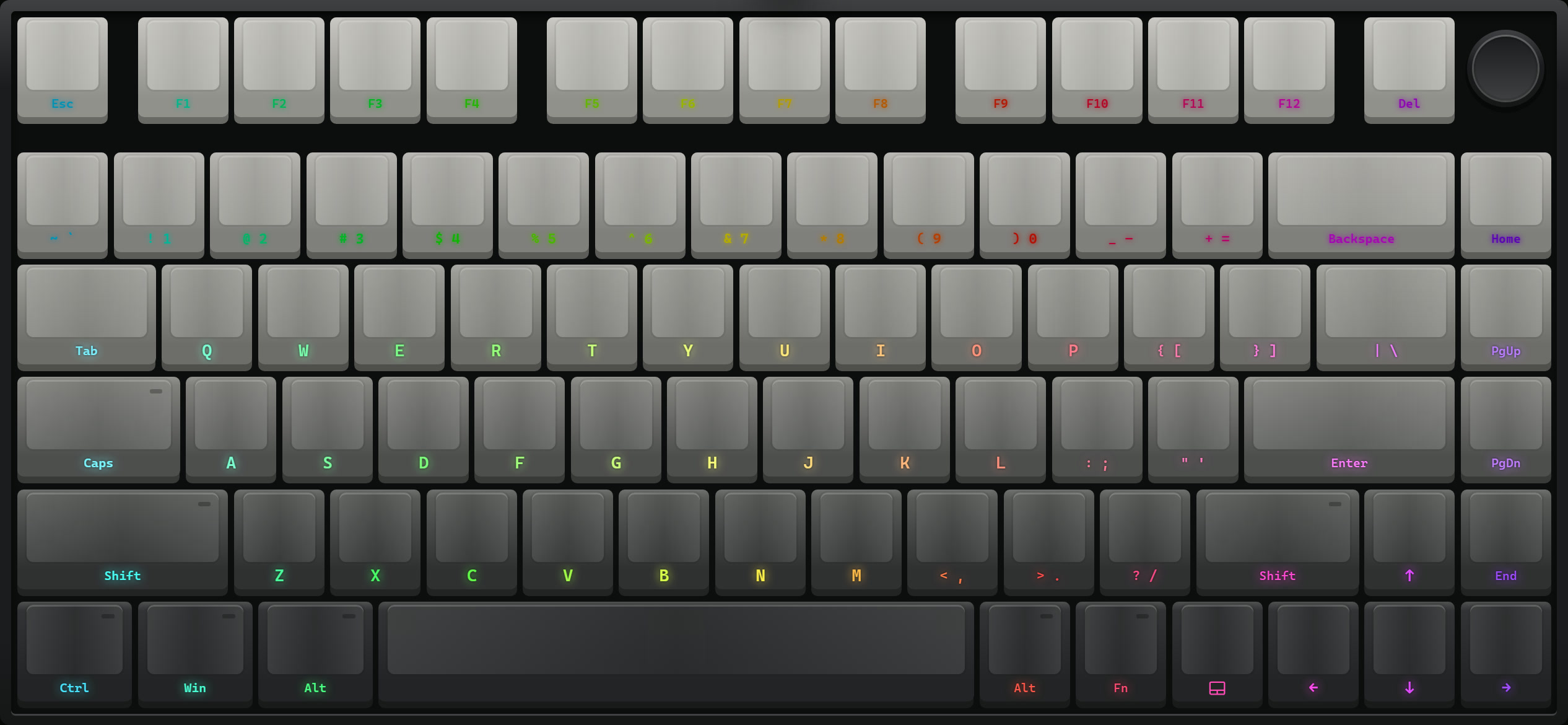
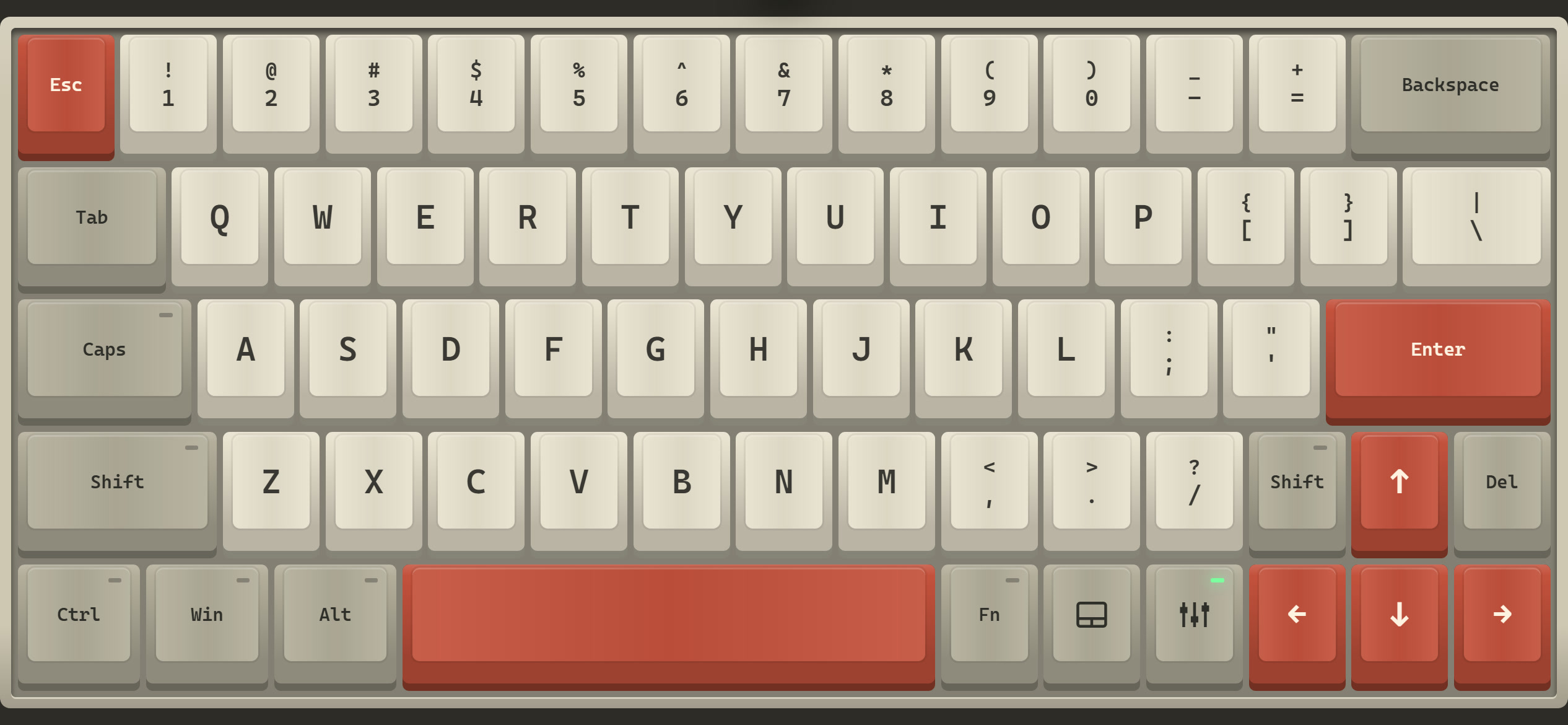
Thirteen switches, all recordings of real ones: Black Ink, Cream, Holy Panda, Topre, MX Blue, buckling spring and more. Every row has its own sound, and so does the space bar.
Colourways after the Aula F75 and Rainy75, or your own three colours. Six keycap profiles, a white or black case, lit legends and light under the keys.
A full 75% layout with a function row, arrows and an Fn layer for media keys. One key swaps the whole screen for a trackpad with tap, scroll and drag.
Download thock.apk on the phone and open it to install. Android asks once to allow installing from your browser.
Open Thock and allow the Nearby devices permission.
Tap Make this phone visible.
On the computer, open Bluetooth settings, add a device, and pick the phone.
Next time, open Thock and it reconnects to the last computer on its own. Android only lets an app be a keyboard while it is on screen, so leaving Thock disconnects it.
Latest release
Apple does not let an app act as a Bluetooth keyboard. Thock also runs in the browser over Wi-Fi, with a small program on a Windows PC. Set it up from the guide.